
Workflow
How a video face swap comes together
VideoFaceSwaps keeps the workflow clear and fast so you can focus on creativity and results.
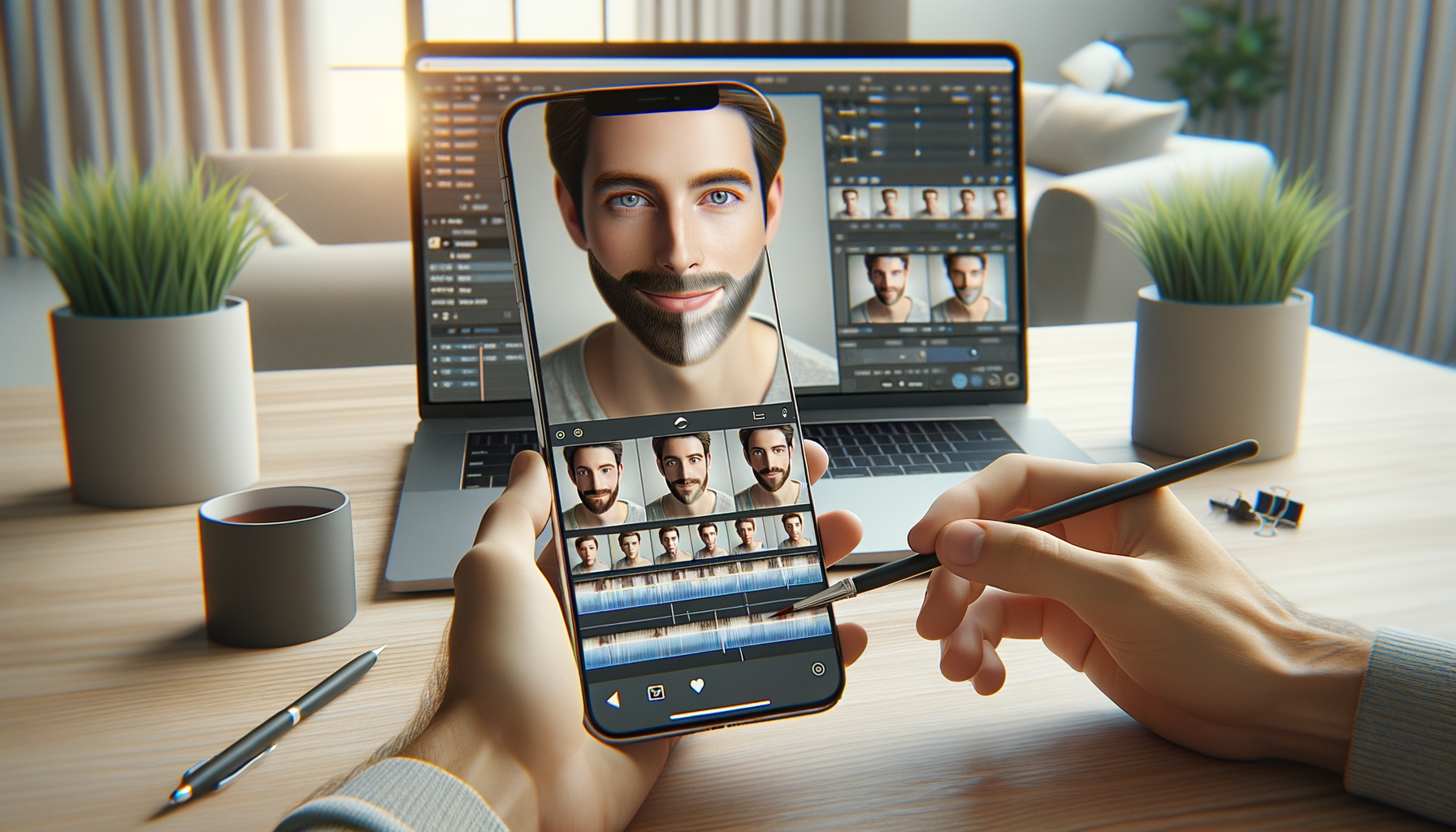
Step 1
Import your clip
Choose a video or capture a new one. The app analyzes lighting and motion for a clean base.
Step 2
Select and map faces
Pick the target face and preview the swap in real time, adjusting blend strength as needed.
Step 3
Export and share
Render in high resolution and share directly or export to your editing workflow.
Built for creators and everyday edits
From quick photo face swap experiments to full video faceswap projects, the tools adapt to your needs.